Bookings · 14/30
Request mode
Instead of choosing an exact time, the customer can ask for a time window (for example “morning”) and you assign the time. Useful when the calendar is not only yours.
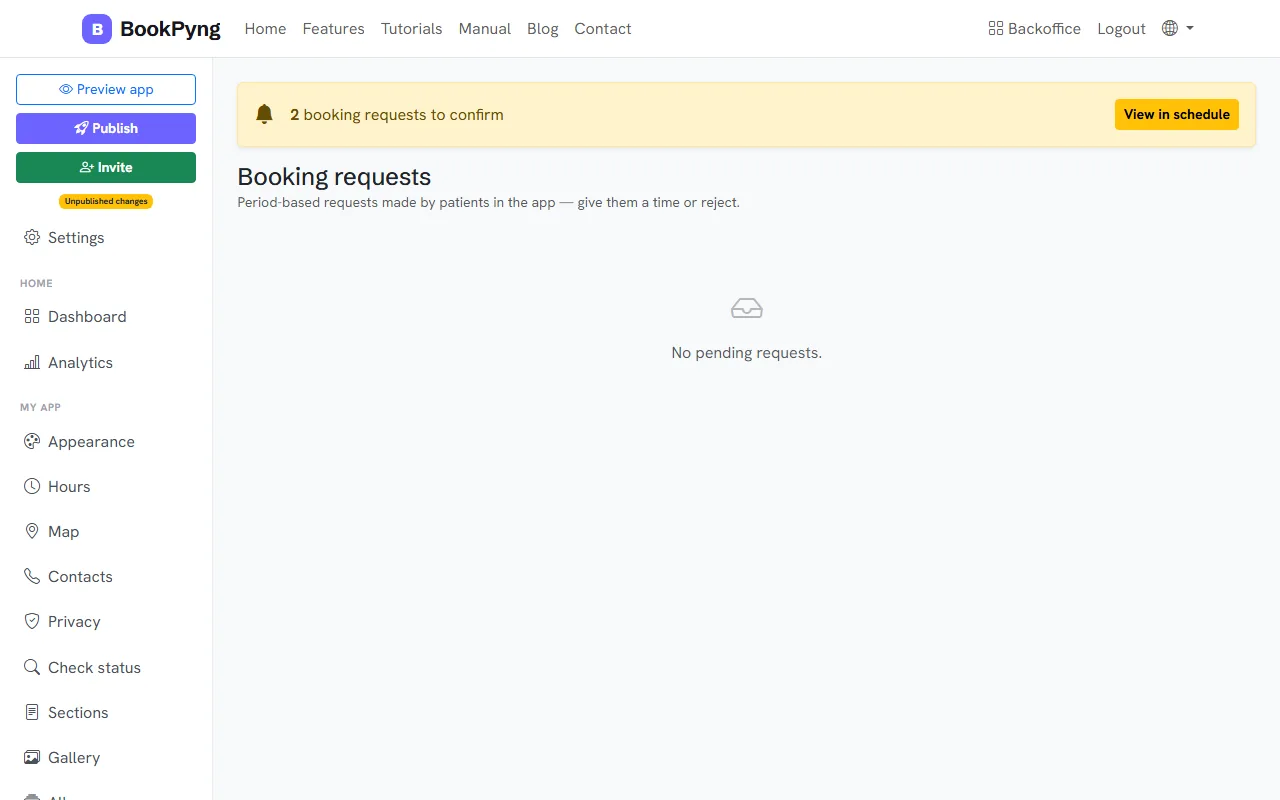
Step by step
- In Settings, under “How patients book in the app”, choose Requests / waiting list and save.
- The Booking requests page appears in the menu, with pending requests.
- For each request, press Schedule and choose the time, or Reject.
- The customer receives the proposed time and confirms in the app.
Heads up
In this mode, pending requests do not take up a slot in the calendar until you schedule them.
Ready to have your own app? Create an account and get 14 days with everything unlocked.
Create my app