Content · 21/30
News and events
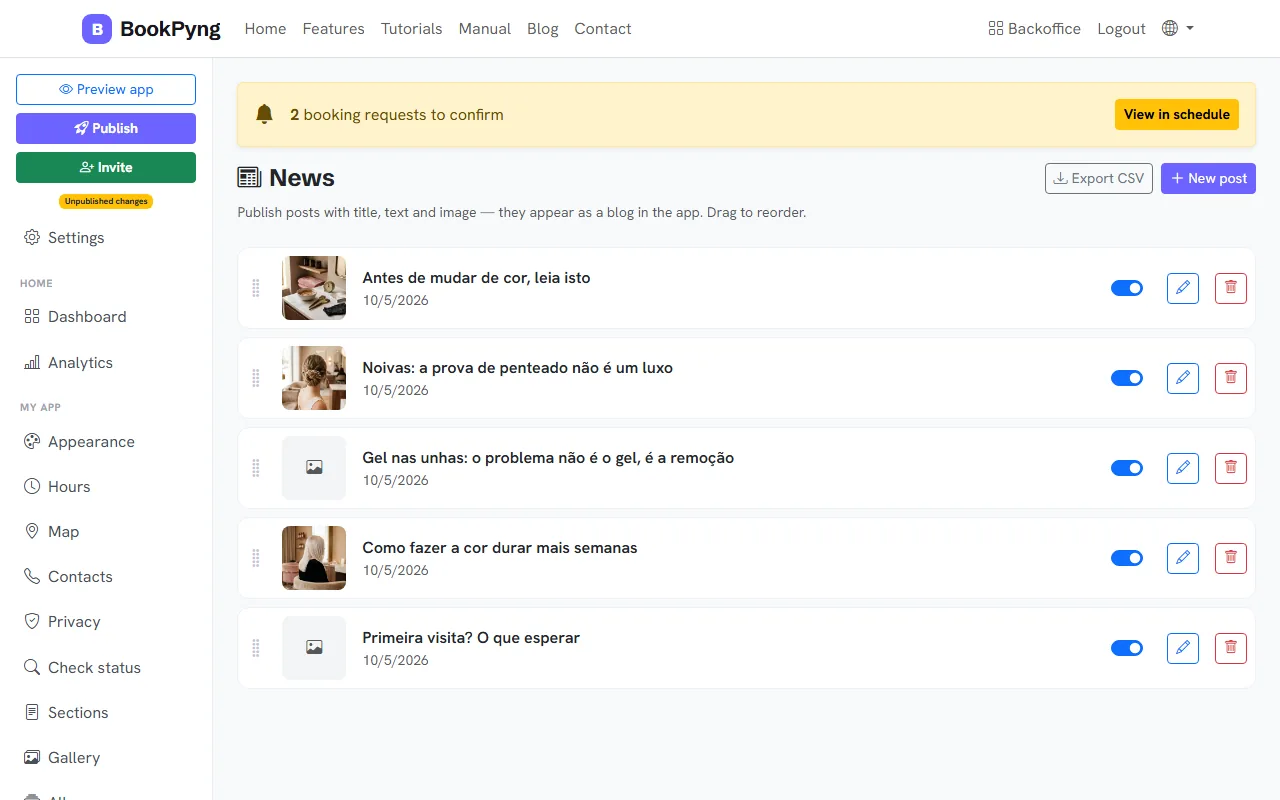
Post updates like a blog, inside the app: promotions, new services, notices. Events appear in date order and disappear once they have passed.
Step by step
- Open News and press New post.
- Write the Title and the Text, add an Image (max. 5 MB) and keep Active (visible in the app) on. Press Save. Drag to reorder.
- For events, open Events and press New event: title, start, place, description and image.
Tips
- Write short posts with an image: they are the ones people read.
Ready to have your own app? Create an account and get 14 days with everything unlocked.
Create my app