My app · 7/30
Business settings
In Settings you find your business details and two important choices: which sections you see in the menu and how customers book.
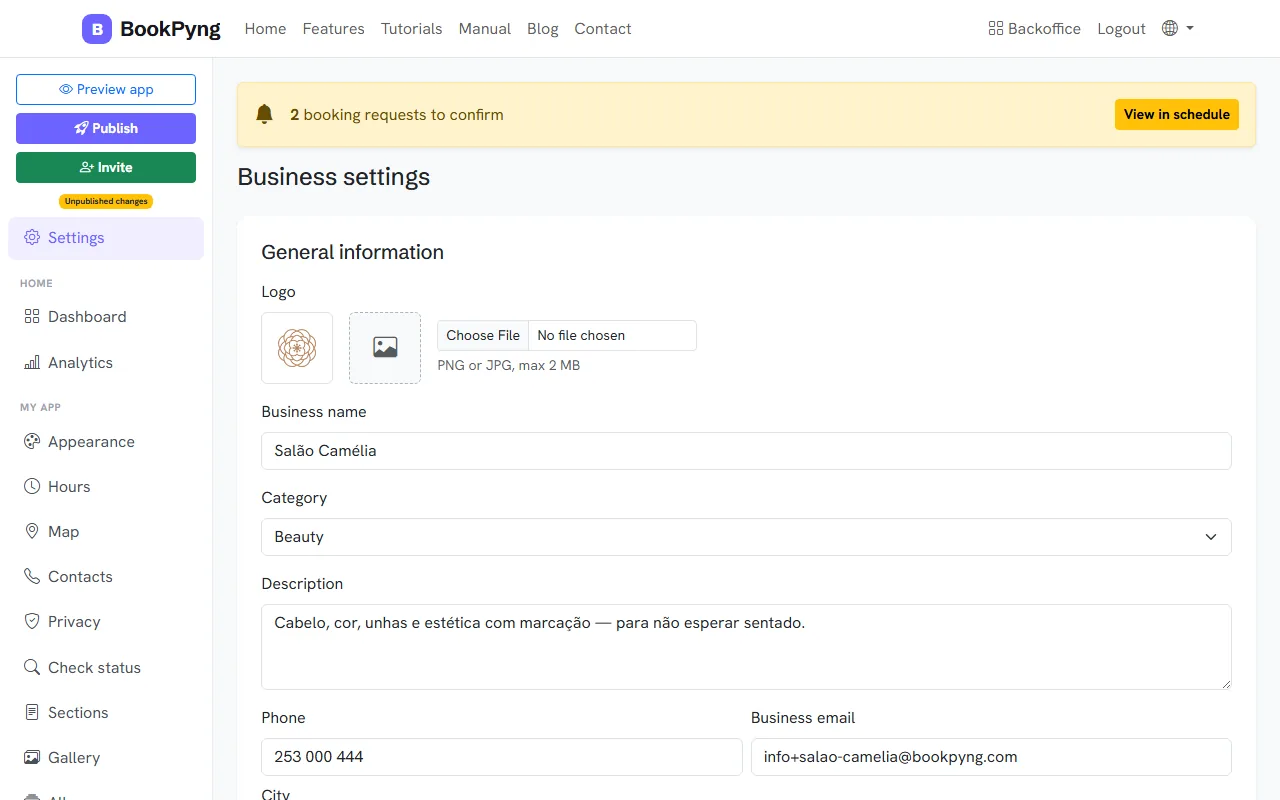
Step by step
- Under General information, fill in the logo (PNG or JPG, max. 2 MB), Business name, Category, Description, Phone, Business email, City and Address. Press Save information.
- Under Side menu, choose which sections show in the back-office menu (for example Restaurant, Clinic, Shop or Show all) and press Save menu.
- Under How patients book in the app, choose Real availability (the customer picks a free time and it is booked straight away) or Requests / waiting list (the customer asks for a time window and you assign the time).
- Further down is the SMS integration (see “SMS from your own phone”).
Ready to have your own app? Create an account and get 14 days with everything unlocked.
Create my app