Bookings · 10/30
Services
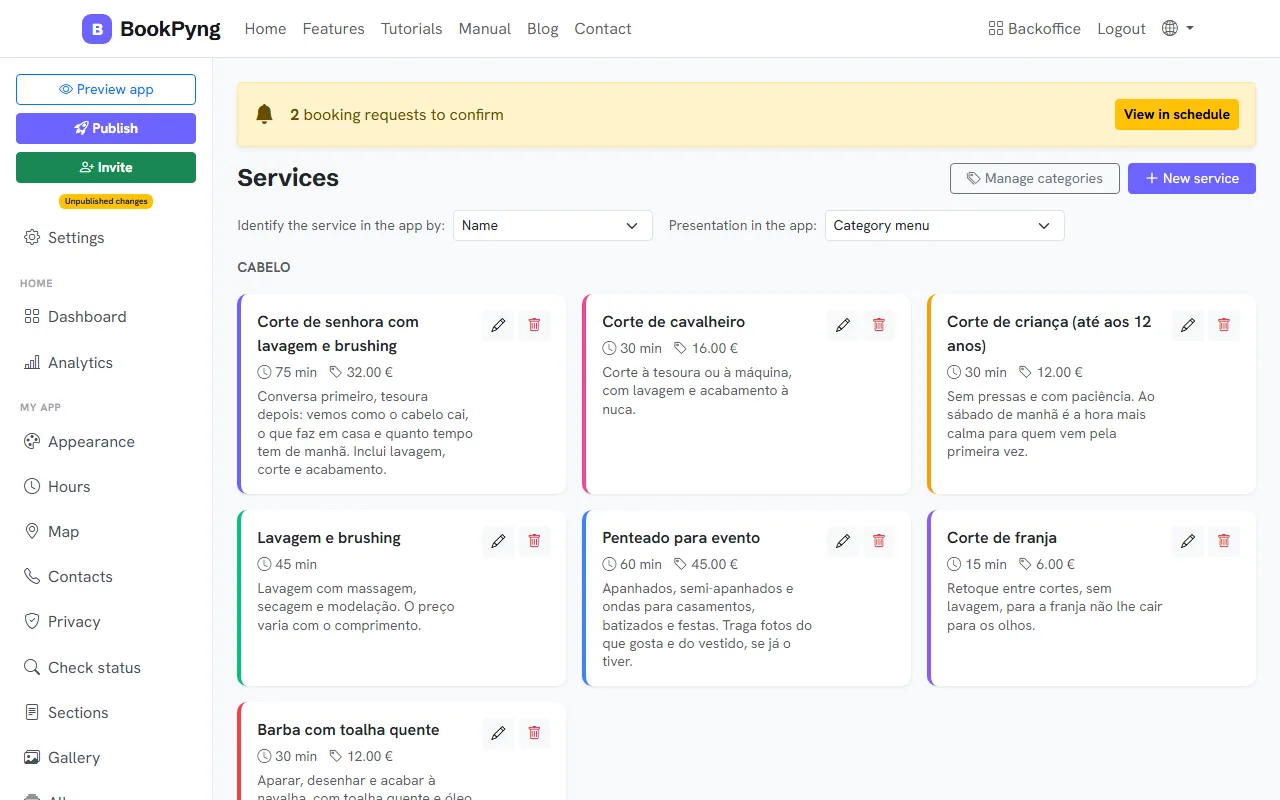
Services are what customers book. Each has a name, duration, price and, if you like, a category and a photo.
Step by step
- Open Services and press New service.
- Fill in Service name, Description, Duration (min) and Price (€).
- Optional: pick a Category to group services, and use the Price list for variants (for example “Group 45 € / Individual 80 €”).
- Leave Active service on so it appears in the app, and press Save.
- To organise, use Manage categories: each category has a title, text and photo.
Tips
- Under “Identify the service in the app by” you choose to show just the name, just the image, or both.
- Deleting a category does not delete its services: they simply have no category.
Ready to have your own app? Create an account and get 14 days with everything unlocked.
Create my app