My app · 8/30
Hours and map
Your hours and location appear in the app and drive bookings.
Step by step
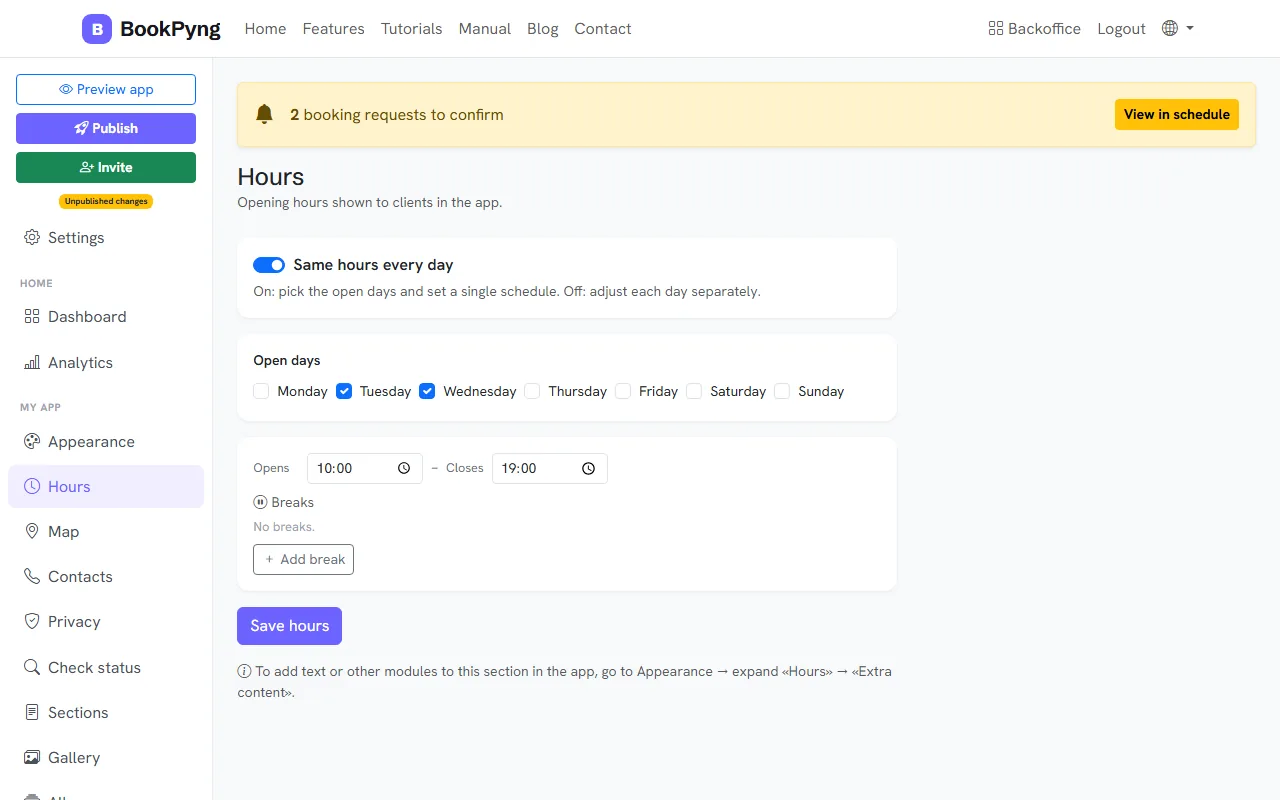
- Open Hours. With Same hours every day on, pick the open days and set one schedule; with it off, you set each day separately. Press Save hours.
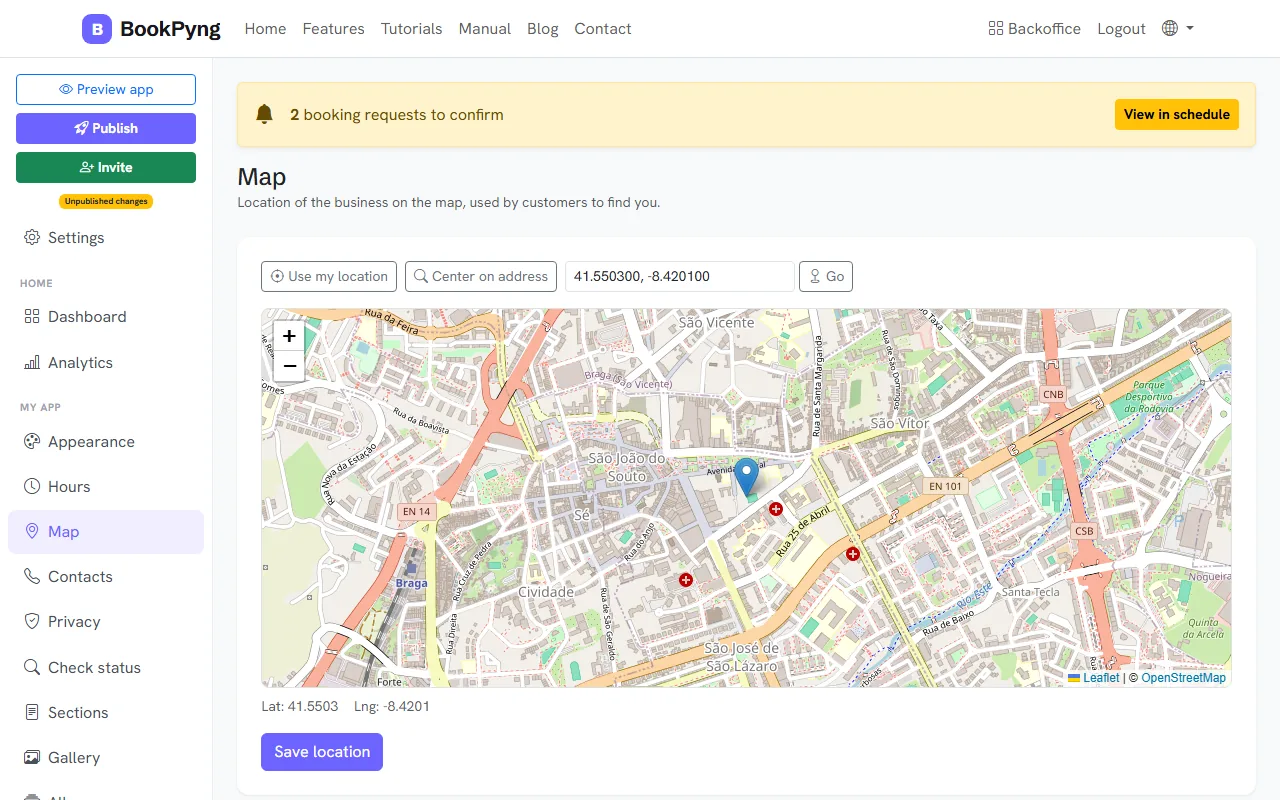
- Open Map. First fill in the address and city in Settings; then press Center on address or Use my location and adjust the pin on the map.
- Press Save location.
Tips
- You can paste coordinates or a Google Maps link into the location field.
Ready to have your own app? Create an account and get 14 days with everything unlocked.
Create my app