Content · 20/30
Gallery and albums
Show off your work. The Gallery is one collection of photos; Albums are several named galleries, each with captioned photos.
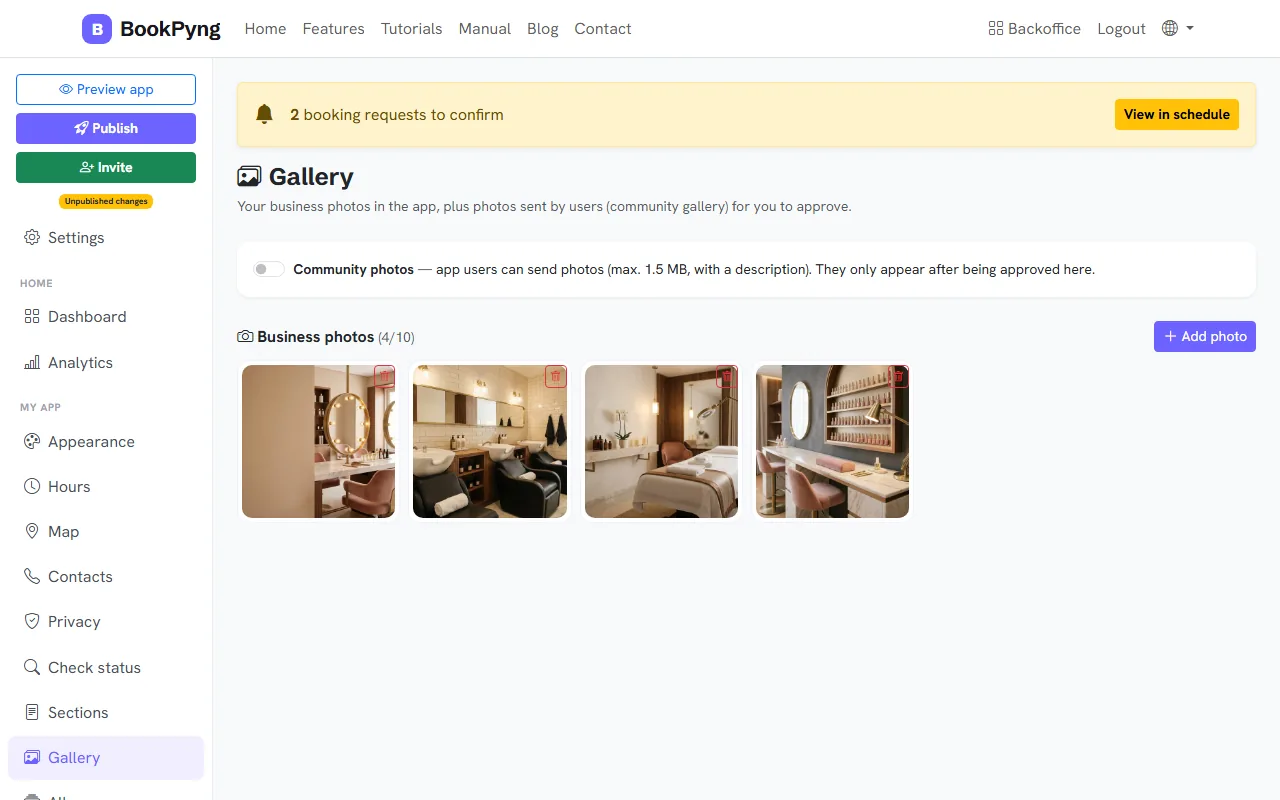
Step by step
- Open Gallery and press Add photo for your business photos.
- For albums, open Albums and press New album: give it a title, keep Active (visible in the app) on and add photos.
- In Appearance, choose where the gallery and albums appear in the app.
- If users can send photos (community gallery), they wait under Awaiting approval until you press Approve.
Tips
- Community photos: 1.5 MB at most, and they only show once you approve them.
Ready to have your own app? Create an account and get 14 days with everything unlocked.
Create my app