Getting started · 2/30
Create an account and sign in
A business account gives you access to the back office, where you manage everything. You can sign up with Google or with your email.
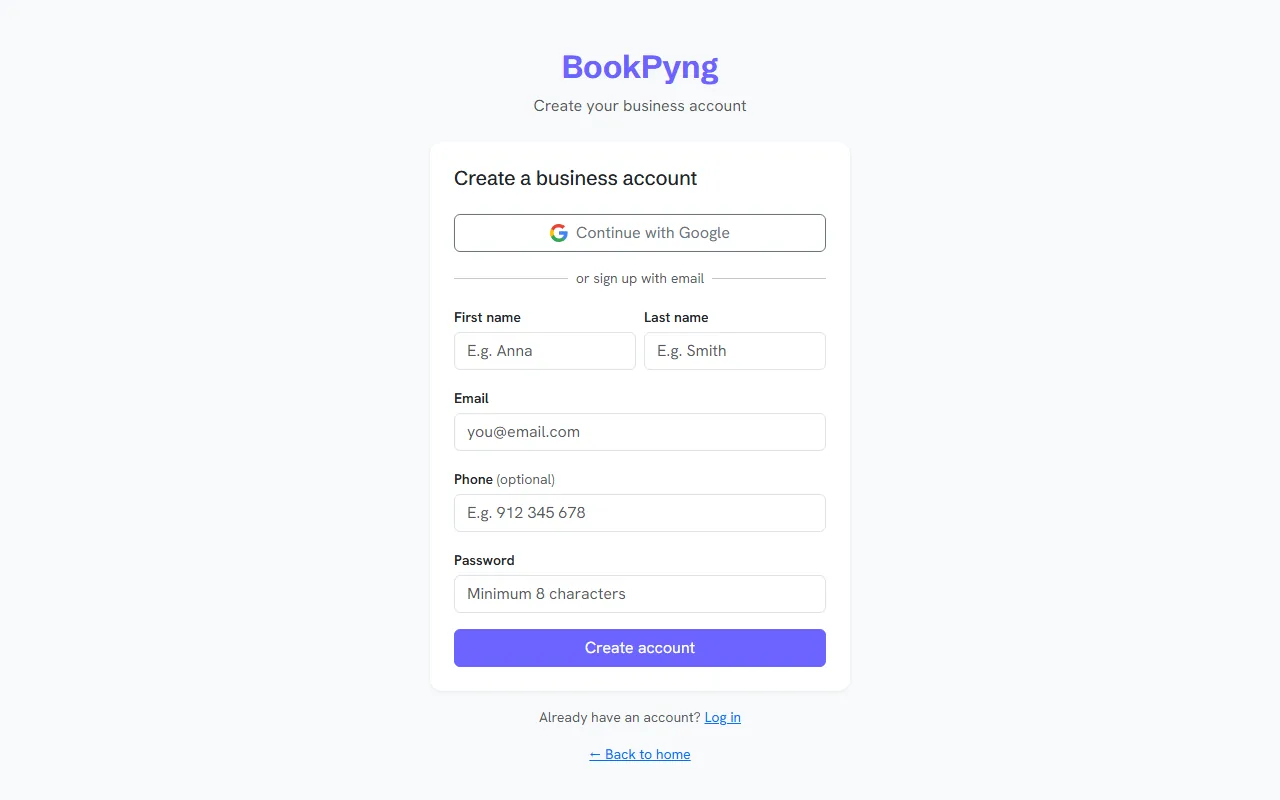
Step by step
- Open
/registo/(or press “Create my app” on the home page). - Choose to continue with Google, or fill in First name, Last name, Email, Phone and Password (at least 8 characters) and press Create account.
- Open the email we sent and confirm the address. Until you do, the back office shows a notice with the Resend email button, and you cannot publish the app.
- From then on, sign in at
/login/. If you forget your password, use the recovery link on the sign-in page.
Tips
- If the confirmation email does not arrive, check your spam folder before asking for another.
Ready to have your own app? Create an account and get 14 days with everything unlocked.
Create my app