Bookings · 15/30
Waiting list
When a slot frees up, the waiting list offers it to whoever was waiting. The slot is held temporarily while the customer decides.
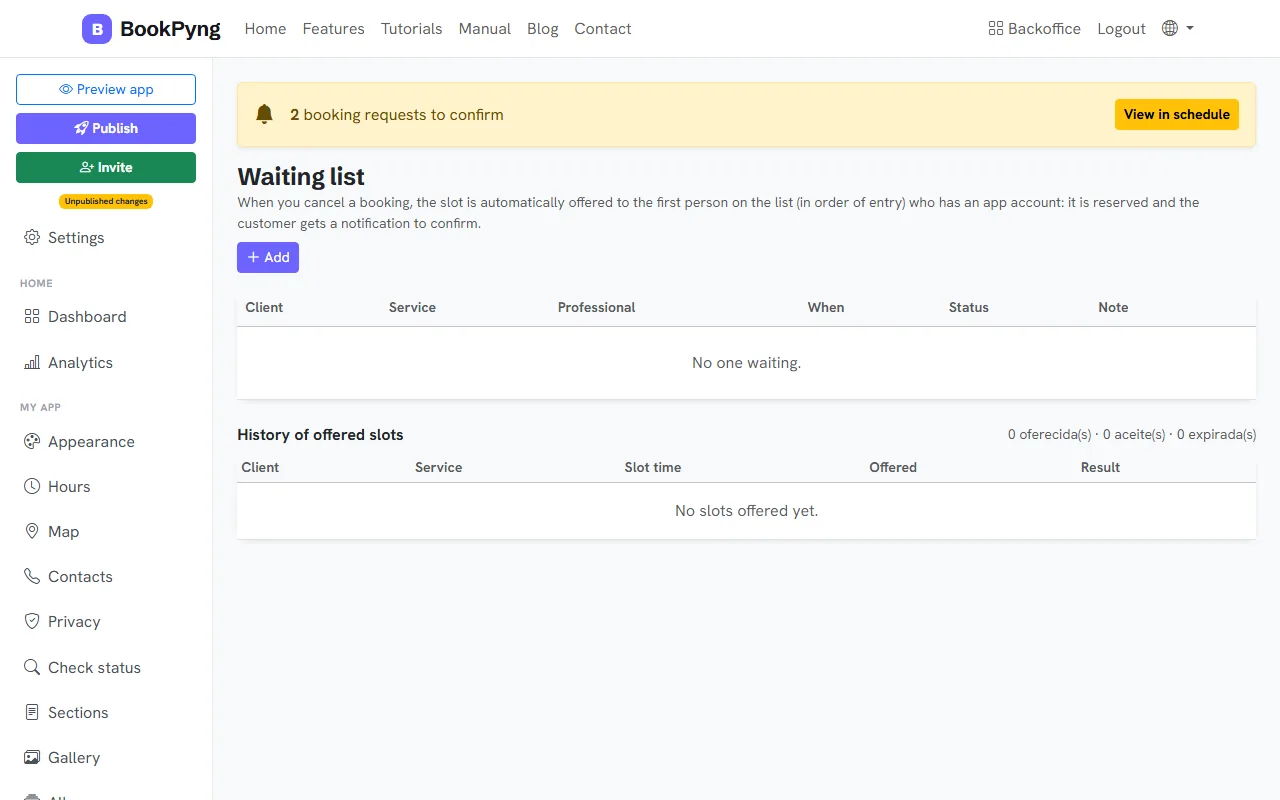
Step by step
- Open Waiting list.
- To add someone, press Add, look up an existing customer or fill in Name and Phone, choose service and professional (or “Any”) and write When as free text.
- The table shows customer, service, professional, when, status and note.
- Under History of offered slots you see each slot, who it was offered to and the outcome.
Tips
- Offers that are not accepted in time expire by themselves and the slot becomes free again.
Ready to have your own app? Create an account and get 14 days with everything unlocked.
Create my app