Bookings · 11/30
Team
Your professionals appear in the app so customers can choose who they book with.
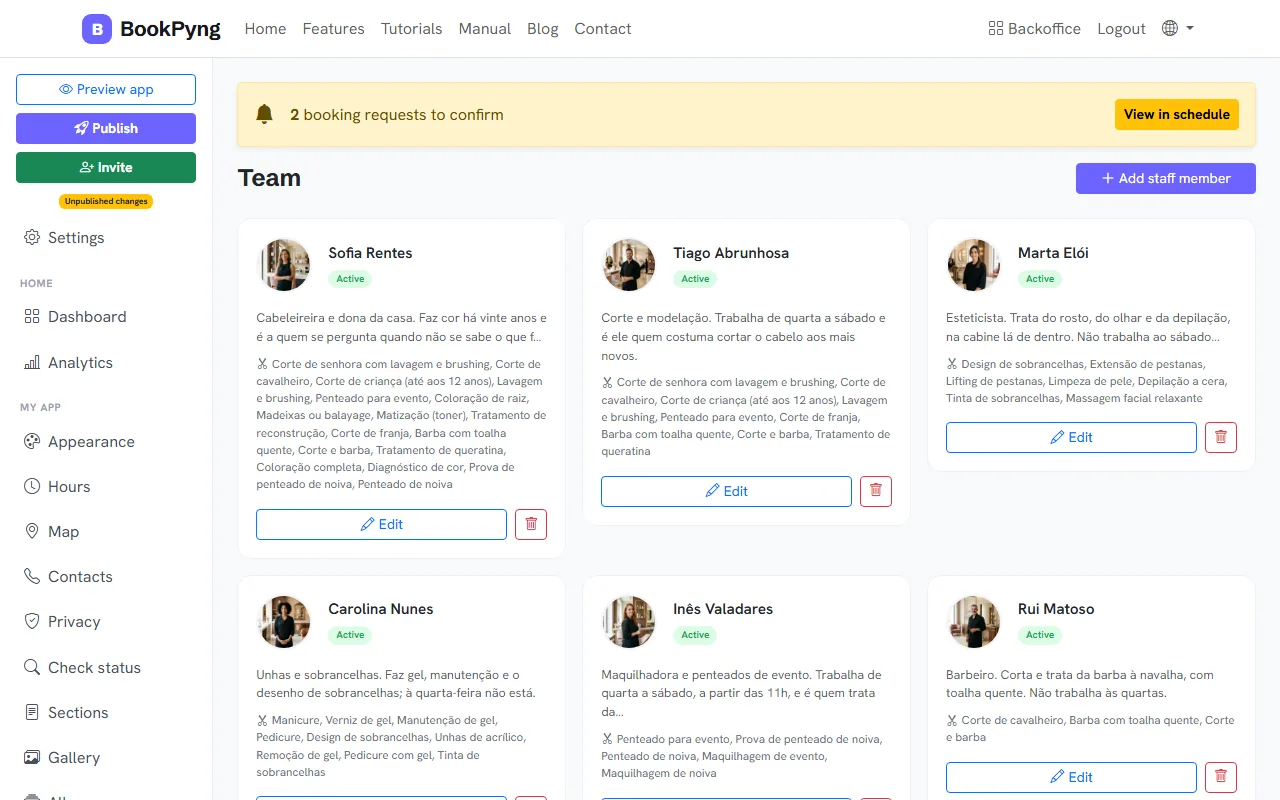
Step by step
- Open Team and press Add staff member.
- Fill in the Name and, if you like, Nickname, Phone, Email and Bio (shown in the app).
- Choose the Services performed.
- Use Internal notes for what only you should see. Leave Active staff member on and press Save.
Tips
- With Show nickname in the app on, the app shows the nickname instead of the name.
- The free basic version allows up to 2 professionals; the full version has no limit.
Ready to have your own app? Create an account and get 14 days with everything unlocked.
Create my app