Getting started · 4/30
The welcome assistant
After you create your account, an assistant walks you through the essentials. You see the result on a phone next to it and you can skip anything you do not need — everything can be changed later.
Step by step
- Name and type of business: type the name and pick the type (barbershop, restaurant, clinic…).
- Languages: choose the languages your customers see; the first one is the main one.
- Visual: pick a theme and a main colour and, if you like, upload your logo.
- Services: add one or two (name, photo, minutes and price). You add the rest in the dashboard.
- Team: add your professionals — if you work alone, skip this.
- Hours, contacts and address: set when you are open, phone numbers and emails, and your address (it shows a map in the app).
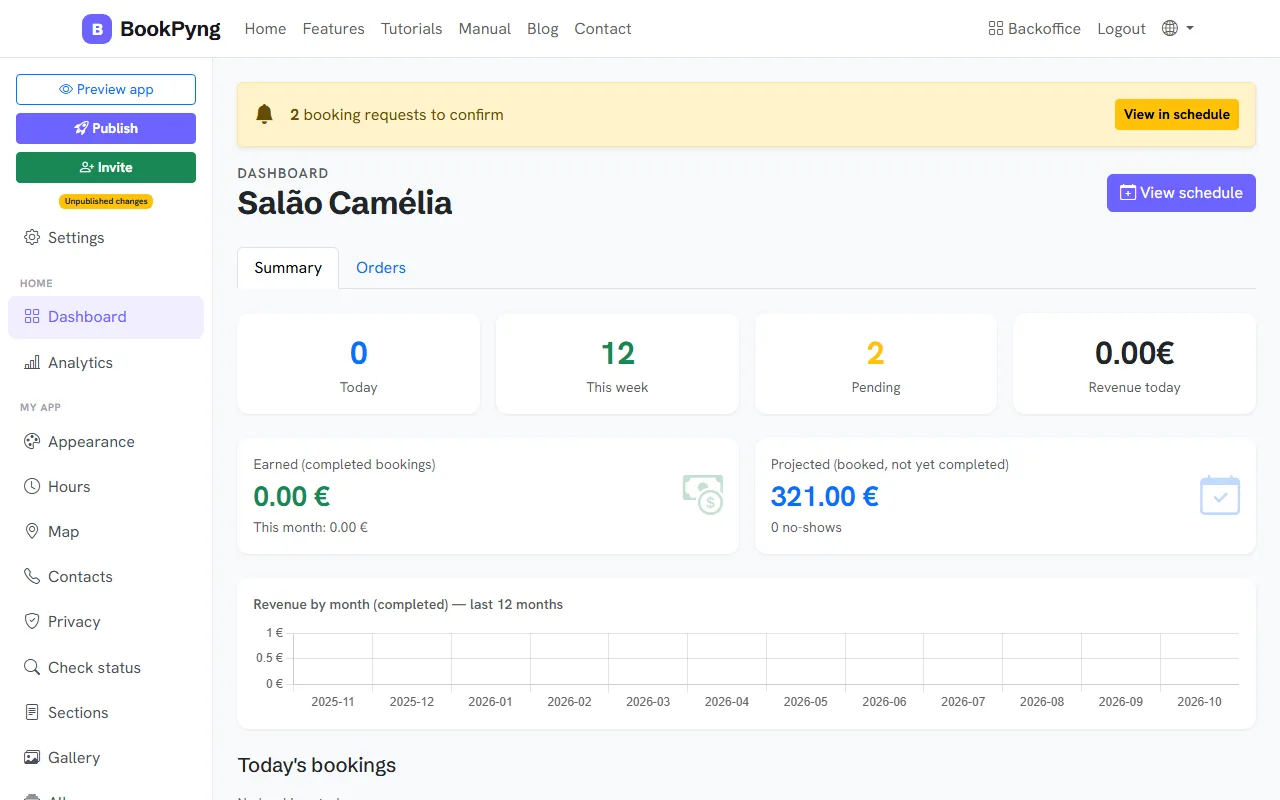
- At the end, Publish and go to the dashboard. You can use Back, Continue and Skip at any step.
Ready to have your own app? Create an account and get 14 days with everything unlocked.
Create my app