Getting started · 3/30
See your app before you decide
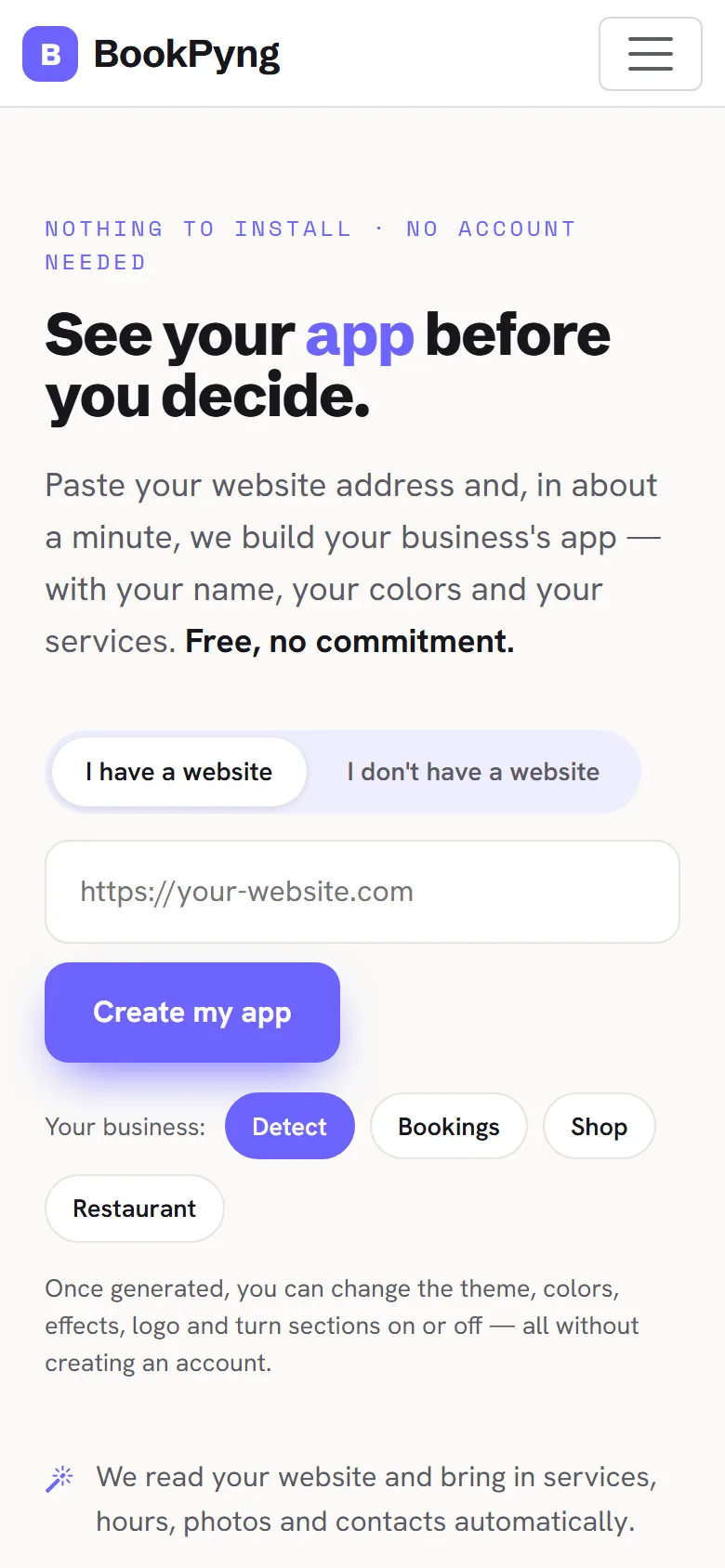
At /experimenta/ you watch your business app appear on a phone, with nothing to install and no account. It is a preview: we only ask for your email if you want to keep it.
Step by step
- Open
/experimenta/(on the home page it is the “See my app now” button). - If you have a website, stay on the I have a website tab, paste the address and press Create my app. We read your site and bring in services, hours, photos and contacts automatically.
- If you do not have a website, choose I don't have a website and pick your type of business (for example Bookings, Shop or Restaurant).
- You see the app open on the phone screen, with your name and logo.
Heads up
The preview is temporary: it stays available for 2 days. To keep and edit it, create an account.
Ready to have your own app? Create an account and get 14 days with everything unlocked.
Create my app