Getting started · 1/30
Start here
BookPyng gives your business its own app, with your name, your logo and your colours, that customers open on their phone and install like any other app — no App Store needed. Bookings are one of the modules of that app, alongside gallery, news, promotions, map, products, menu and loyalty card.
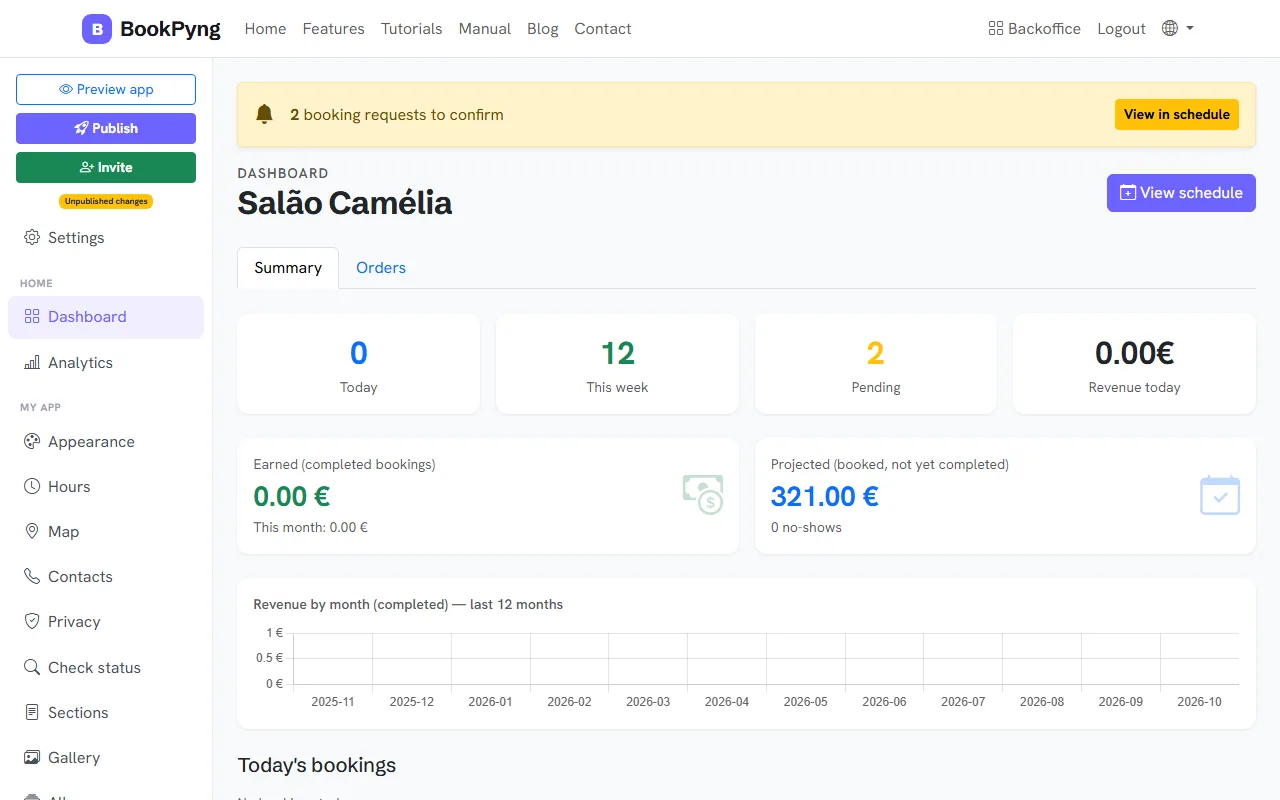
Step by step
- Create your account or, if you would rather look first, try it without an account at
/experimenta/. - Answer the welcome assistant: name, languages, look, services, team, hours and address.
- Fine-tune the look in Appearance and add whatever content you like (gallery, news, products…).
- Press Publish and share the link or the QR code with your customers.
Tips
- You get a 14-day trial with everything unlocked. After that you keep the basic version, which is free, or you subscribe — see “Plan and subscription”.
- You do not have to do everything at once: publish with the essentials and keep adding.
Ready to have your own app? Create an account and get 14 days with everything unlocked.
Create my app